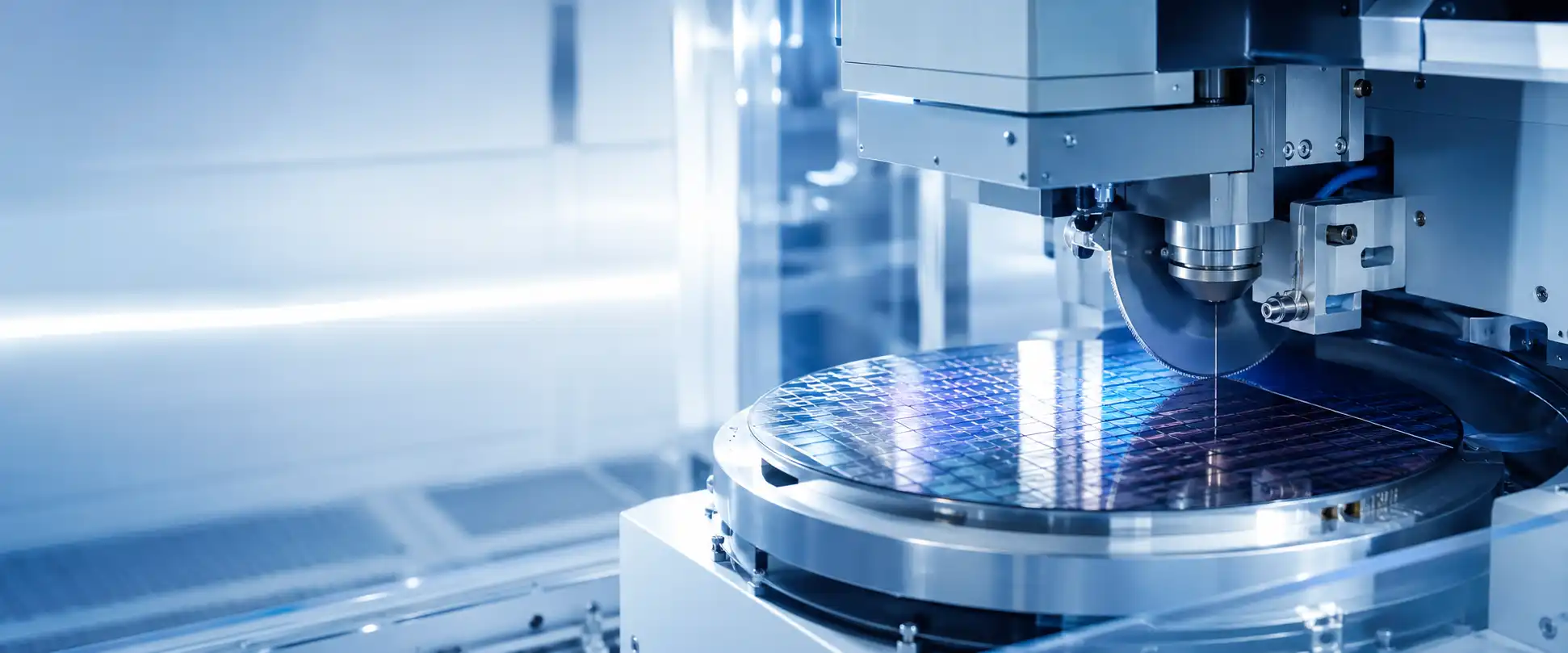
Wafer saw repair and semiconductor dicing machine maintenance support
Wafer Saw Fault Location and Recovery

Wafer Saw Repair, Parts and Replacement Support

Locate the problem by machine area, complete a few safe checks, and use the result to decide whether the next step should be a replacement part, module repair or exchange, or another wafer saw. Semimachine can review the fault, search parts for current and legacy models, compare recovery options and coordinate the required equipment or module for delivery.

Current and Legacy Parts Module Repair or Exchange Used Machine Recovery Global Packing and Delivery
Troubleshoot by Machine Area

Where Does the Wafer Saw Problem Appear?

Start with the physical area and cycle step where the symptom becomes visible. Each section below connects a common fault pattern with checks the factory can perform safely and the repair, parts or equipment route Semimachine can review.

Safety first:Only perform checks allowed by the machine manual and your factory maintenance procedure. Do not bypass interlocks, open powered electrical cabinets or continue running a machine with collision damage, smoke, abnormal heat or severe vibration.
01

Blade, Flange and Spindle

Cutting load, blade rotation and mounting accuracy
Typical Symptoms

Repeated blade breakage, high spindle load, abnormal sound or vibration, blade-detection alarms, changing kerf width, rough edges or chipping that remains after the recipe is restored.

Safe Checks
  • Stop the machine if there is abnormal sound, visible blade damage or strong vibration.
  • Record the blade specification, exposure, flange condition, spindle load and the exact cut where the issue appears.
  • When permitted, compare with a known-good blade and document whether the symptom changes.
Our Support
  • Flange and blade-mounting parts search
  • Spindle-related parts or module review
  • Spindle or cutting-module repair direction
  • Replacement wafer saw when recovery is impractical
02

Chuck Table, Frame and Vacuum

Workpiece support, clamping and hold-down stability
Typical Symptoms

Low or unstable vacuum, wafer movement, frame-clamp errors, water under the tape, localized chipping, cut-depth variation or defects that remain concentrated in one region of the wafer.

Safe Checks
  • Inspect the tape, frame position and accessible chuck surface for wrinkles, debris or visible damage.
  • Record the vacuum value before and during the fault and whether the issue changes with another approved frame or workpiece.
  • Check whether the defect stays in the same table area or follows the wafer and mounting condition.
Our Support
  • Chuck tables, clamps and fixture parts
  • Vacuum pumps, valves, seals and sensors
  • Workholding-module repair or replacement
  • Used machine or table-compatible equipment search
03

Vision, Alignment and Kerf Check

Target recognition, focus and cutting-position verification
Typical Symptoms

Alignment marks are not found, image contrast changes, focus becomes unstable, kerf check fails, cut position drifts from the hairline, or errors appear after camera, lighting or software work.

Safe Checks
  • Save the live image, alignment target, kerf image and full alarm screen before resetting.
  • Inspect only accessible camera windows and lighting surfaces for contamination.
  • Compare whether the problem affects one recipe or workpiece, or remains across several products.
Our Support
  • Cameras, lighting, sensors and cables
  • Vision boards and alignment modules
  • Calibration or repair direction
  • Replacement modules identified by model and label
04

Water, Cooling and Pumps

Cutting water, spindle cooling and utility flow
Typical Symptoms

Flow or pressure alarms, blocked nozzles, leaks, abnormal water temperature, spindle-cooling alarms, debris remaining in the kerf, or unstable results after filter, pump or utility maintenance.

Safe Checks
  • Record the displayed flow, pressure and temperature values and the exact alarm location.
  • Inspect accessible filters, nozzles, hoses and leak areas after the machine is placed in a safe condition.
  • Note any recent change to the plant water supply, chiller, filter or maintenance schedule.
Our Support
  • Pumps, valves, filters and flow sensors
  • Nozzles, hoses and cooling components
  • Utility-module repair or replacement
  • Parts matching from model, label and photos
05

Axis, Drive and Encoder

Homing, motion, feedback and positioning
Typical Symptoms

Homing failure, servo or following errors, encoder alarms, one axis stopping during motion, repeatable position offset, abnormal vibration or faults that began after a collision, power event or major maintenance.

Safe Checks
  • Record the full alarm, affected axis and the movement step where the fault occurs.
  • Document any collision, power interruption, cable movement or maintenance immediately before the problem.
  • After safe shutdown, inspect only externally accessible cables and connectors allowed by procedure.
Our Support
  • Motors, drives, encoders and cables
  • Axis and motion-module repair or exchange
  • Electronic part and connector matching
  • Replacement machine evaluation after major damage
06

Loader, Cleaning, Control and I/O

Transfer, startup, communication and machine-wide control
Typical Symptoms

Loading or unloading stops, transfer drops, cleaning or drying faults, one module remains offline, startup freezes, communication is lost, safety errors repeat, or several subsystems fail at the same time.

Safe Checks
  • Record the exact cycle step, sensor state and complete boot or alarm sequence.
  • Check for visible obstruction and note recent software, board, network, power or maintenance changes.
  • Never bypass a safety circuit; preserve the original alarm and I/O screen when available.
Our Support
  • Transfer, loader and cleaning-system parts
  • Controllers, boards, power supplies and I/O modules
  • Module repair, exchange or parts replacement
  • Used wafer saw for production recovery or backup
Interpret the Check

What Does the Comparison Result Suggest?

The purpose of a local comparison is not to complete a final diagnosis. It is to separate a removable part, one machine position, a common system or a process change before money is spent on the wrong module.

01

The Fault Follows a Blade, Flange, Frame or Removable Module

The original machine position changes, but the symptom moves with the item. This gives the parts or module route a stronger starting point.

Likely direction: part replacement, repair or exchange
02

The Fault Stays at One Table Area, Axis or Machine Position

A known-good consumable or removable item shows the same issue only in one location. The machine-side sensor, cable, interface, axis, vacuum path or installed module may require review.

Likely direction: machine-side parts or module diagnosis
03

Several Systems Fail at the Same Time

When unrelated alarms or functions change together, check common utilities, control, power, communication, cooling or safety conditions before replacing several individual parts.

Likely direction: common-system diagnosis
04

The Quality Change Follows a Blade, Tape, Recipe or Workpiece Change

If the machine remains mechanically stable and the defect began immediately after a process-side change, restore the last known-good condition before assuming the machine is damaged.

Likely direction: process review before hardware purchase
05

The Fault Began After a Collision, Electrical Event or Severe Abnormality

Do not continue repeated trial operation when there is impact damage, smoke, heat, severe vibration or an unresolved safety alarm. Preserve the evidence and stop according to factory procedure.

Likely direction: technical inspection before further operation
What Semimachine Can Provide

Parts, Repair Direction and Replacement Equipment in One Recovery Plan

When local checks cannot isolate or resolve the issue, one inquiry can cover the suspected fault area, model-specific parts, module repair or exchange, backup stock and another wafer saw when the current machine cannot return to production quickly. Packing, destination and later spare-parts needs can be considered with the same recovery plan.

Wafer Saw Technical and Supply Coverage

Move from the Fault Area to a Practical Supply or Recovery Route

Semimachine combines machine information, fault evidence and parts references so the request is not limited to a generic repair quotation. We can search beyond the parts currently displayed, compare repair, exchange and replacement routes, and check a used machine for production recovery when downtime or parts risk becomes too high.

Spindle and Cutting-System Parts Chuck Table and Vacuum Parts Vision, Sensor and Alignment Modules Motors, Drives and Control Boards Pumps, Valves and Cooling Parts Legacy and Unlisted Model Parts Used Wafer Saw Machines Export Packing and Global Delivery
Send the Fault and Part Details
Parts and Inventory Search

Search Current, Legacy and Unlisted Model Parts

Use the machine model, serial number, installation position, part number, module label, connector view and clear photos. The search can include a single urgent replacement item or additional stock for planned maintenance.

Useful for active machines, older platforms and future spare-parts preparation.
Repair or Exchange

Review the Affected Module Instead of Replacing the Complete Machine

When the damaged assembly can be isolated, the route may involve module repair, exchange or direct replacement according to the model, damage and available test conditions.

Service scope and test evidence are confirmed for the specific case.
Machine Replacement

Current Listings and Wider Used-Equipment Search

When repair time, part availability or machine condition makes recovery impractical, we can check the same model, a related generation or a compatible used wafer saw for production recovery, backup capacity or line expansion.

Configuration, condition, accessories and available inspection information are reviewed on the actual unit.
After-Sales and Delivery

Follow-Up Parts, Packing and International Shipment

The request can continue with related accessories, future parts, export packing, order documentation and international delivery coordination for the supplied machine, module or replacement item.

One supply conversation can cover recovery, shipment and later support needs.
One recovery request can include the fault, required part, backup stock, replacement machine and destination.

We can separate the available directions into practical options so the factory can compare restoring the current machine with securing a replacement module or another wafer saw.

Compare Recovery Options
Prepare a Useful Repair Case

Send Evidence That Shows Where and When the Fault Occurs

A useful first message connects the machine identity, physical fault area, cycle step and checks already completed. Add the destination and recovery priority when you also want us to compare a repairable module, urgent replacement part, backup stock or another wafer saw.

Machine brand, model and serial number Full nameplate and module labels Complete alarm or I/O screen Short repeatable fault video Fault area and exact cycle step Checks and comparisons already completed Recent blade, tape, recipe or maintenance change Required destination, urgency and preferred route
Wafer Saw Repair FAQ

Questions About Fault Checks, Parts and Replacement Options

These answers focus on what to do after the fault area has been identified and the basic safe checks have been completed.

What should I check before requesting wafer saw repair support?

Identify the machine area, save the full alarm, record the cycle step and determine whether the symptom follows a blade, frame or removable module, stays in one position, or affects several systems. Use only checks allowed by the manual and your factory procedure.

Does chipping always mean the spindle is damaged?

No. Chipping may involve the blade, flange, tape, frame, vacuum, chuck table, water, alignment, workpiece or process settings. The defect pattern and comparison result should be reviewed before a spindle or another expensive module is purchased.

Can I request a wafer saw part without an exact part number?

Yes. Send the machine model, serial number, affected location, module label, connector view and several clear photos. A complete part number and suffix are preferred, but installation evidence can help narrow the search.

Can repair, exchange and replacement options be checked together?

Yes. After the affected assembly is identified, the request can compare a replacement part, module repair, exchange and another machine. Availability, test scope and delivery time depend on the specific part, module or equipment.

When should the machine be stopped instead of tested again?

Stop according to factory procedure when there is collision damage, smoke, abnormal heat, severe vibration, damaged safety hardware or an unresolved safety alarm. Do not continue repeated trial operation to collect more evidence under unsafe conditions.

Can Semimachine help when the original wafer saw is no longer practical to repair?

The same inquiry can include a used replacement machine, the same model, a related generation or a compatible alternative. The actual configuration, condition, included accessories and available inspection information must be reviewed before quotation.

What information is needed to identify a wafer saw spare part?

Provide the machine manufacturer, complete model, serial number, part number and suffix when available. Add the module label, connector view, installation position and several clear photos so the part can be checked against the actual machine configuration.

Can preventive spare parts be supplied together with a repair or replacement machine?

Yes. The request can include urgent replacement parts, recommended backup stock, accessories and future maintenance items together with a repairable module or replacement wafer saw. Availability and compatibility are confirmed for the specific model and configuration.

Tell Us Where the Wafer Saw Fault Appears

Share the machine model, physical fault area, full alarm, comparison result, module label, short video and destination. We will organize the request around parts, repair or exchange, backup stock, replacement equipment and delivery options.

Request Wafer Saw Support