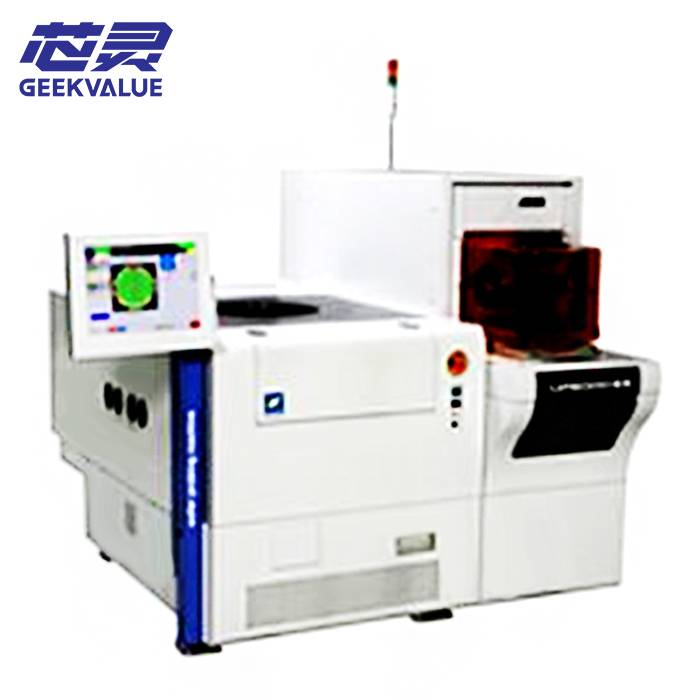
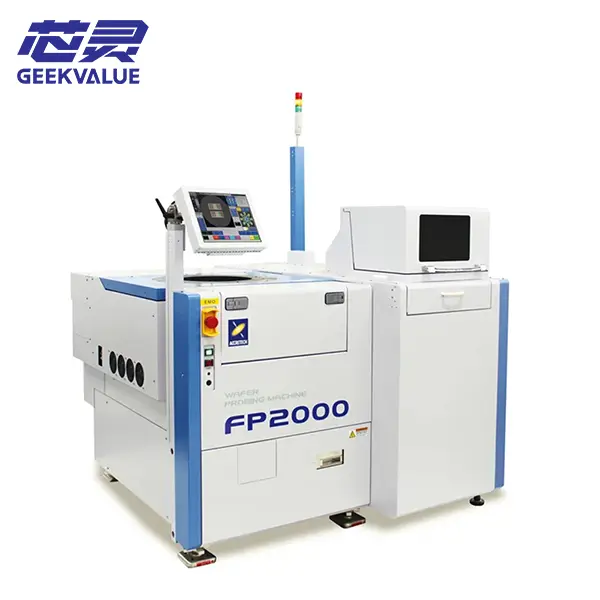
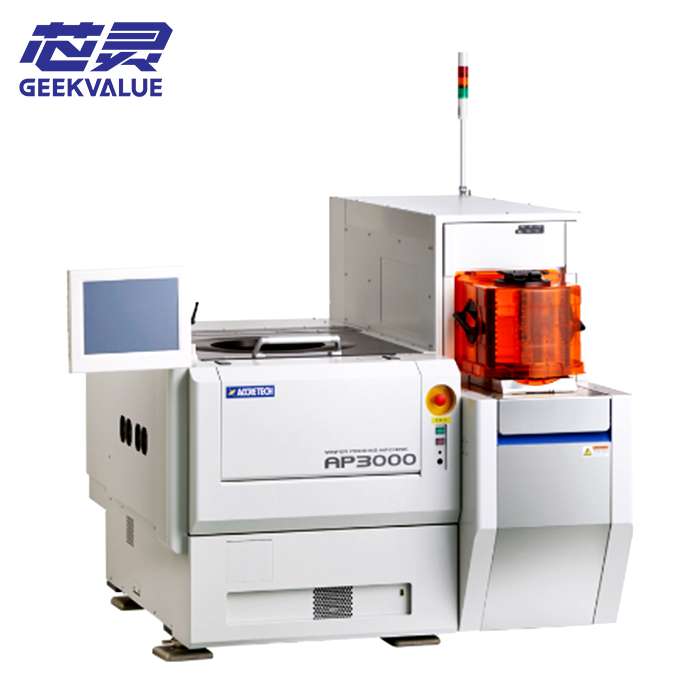
The ACCRETECH UF200R is a high-speed automatic wafer prober developed for electrical testing of discrete and other compatible semiconductor devices on 5- to 8-inch wafers. It handles wafer loading, alignment, positioning and probe-card contact as part of a complete test setup.
The actual chuck, loader, test-head interface, wafer-handling options and test environment depend on the specific pre-owned machine available. For an initial inquiry, send your current prober or tester model, a clear wafer or device photo and a short description of the required test process or equipment problem.
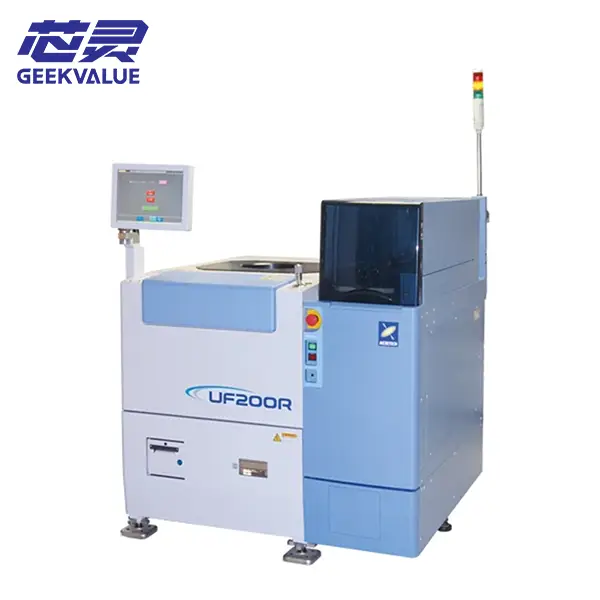
ACCRETECH UF200R Machine Information
| Manufacturer | ACCRETECH / Tokyo Seimitsu |
|---|---|
| Model | UF200R |
| Equipment Type | High-speed automatic wafer prober |
| Standard Wafer Range | 5- to 8-inch wafers according to the manufacturer’s model information |
| Optional Wafer Support | 4-inch wafer testing when the required configuration is installed |
| Typical Device Applications | Discrete, power, logic and compatible MEMS devices |
| Primary Functions | Wafer handling, alignment, positioning and probe-card contact for electrical testing |
| Condition | Pre-owned semiconductor test equipment |
| Test Configuration | Determined by the tester, test head, probe card, chuck and installed interfaces |
| Delivery Scope | Based on the quotation and confirmed equipment list |
| Support | Initial fault review, parts matching and repair discussion |
| Shipping | Export packing and worldwide delivery |
Wafer and Test Application Compatibility
The UF200R model name and 200 mm wafer capacity do not by themselves confirm that an available machine can run a particular wafer test. Compatibility also depends on wafer size and condition, device layout, probe card, tester, test-head interface, chuck configuration and required electrical test environment.
Only basic information is needed for the first discussion:
- Your current wafer prober or tester model if the UF200R will replace existing equipment
- A clear photo of the wafer, device or current test setup
- The probe-card or test-head model where this information is readily available
- A short description of the required test process or current equipment problem
Detailed wafer maps, interface drawings, temperature requirements and test parameters can be reviewed later when the available machine appears relevant to the project.
Tester, Probe Card and Test Environment
The UF200R positions each device beneath a compatible probe card, while electrical measurements are performed by the connected tester. A usable test cell therefore requires the prober, probe card, test head, manipulator, tester and software communication to work together correctly.
The model platform was offered with options for low- and high-temperature testing, four-inch wafers, warped or ultra-thin wafer handling, MEMS handling, microcurrent measurement, high-voltage testing and probe-mark inspection. These are model-level options rather than confirmed functions of every used UF200R.
Available UF200R Configuration and Delivery Scope
Individual ACCRETECH UF200R wafer probers may differ in loader setup, chuck temperature capability, four-inch wafer support, test-head manipulator, special wafer-transfer mechanisms, probe-mark inspection, network functions and electrical test options. Before purchase, the available machine should be reviewed to confirm whether its actual wafer-handling and test configuration is suitable for the intended device and tester. The final delivery scope is based only on the quotation and confirmed equipment list; testers, test heads, manipulators, probe cards, chillers, cassettes, computers, interface components and external utility equipment are included only when specifically stated.
Receiving, Startup and Initial Wafer Check
The UF200R should be inspected and tested in stages before valuable production wafers are introduced.
- Inspect the packing, machine cabinet, wafer loader, stage, chuck, control panel and visible handling mechanisms.
- Photograph any impact marks, loose components, damaged cables or displaced assemblies before moving the equipment.
- Compare the received machine, loader parts, manipulator, interfaces and accessories with the confirmed delivery list.
- Check that the chuck, wafer stage, alignment components and handling mechanisms remain secured after transportation.
- Confirm the electrical supply, grounding, compressed air, vacuum, cooling and other facility requirements of the actual machine.
- Start the controller and record all alarm messages before resetting the system or changing settings.
- Run the loader, alignment and stage mechanisms without a production wafer and observe their movement.
- After basic operation is stable, use a suitable non-production wafer for loading, alignment, stepping and unloading checks.
The probe card, test head and tester should then be connected and checked separately before electrical test results are evaluated. Stop testing if wafer handling is unstable, stage movement is abnormal, mechanical interference occurs or the same alarm repeatedly returns.
Test Results, Handling Faults and Parts Support
Unstable electrical results may involve the probe card, contact position, wafer alignment, chuck condition, test-head connection, temperature control, tester settings or communication between the connected systems.
Wafer-loading faults, alignment errors, vacuum problems, wafer-map issues and inconsistent probe marks should be investigated before production continues. Record the alarm message and the stage of the test cycle in which the problem occurs before resetting the machine.
Photos of the wafer, probe card, chuck, test-head connection and alarm screen, together with a short operating video where available, can provide a practical starting point for review.
Our team can assist with initial fault analysis, component identification, replacement-part matching and repair discussion. Related sensors, motors, drivers, boards, cables, pneumatic parts, vacuum components, loader assemblies, stage parts and chuck-related components can also be checked where available.
Frequently Asked Questions
Can the ACCRETECH UF200R test our wafers?
This depends on the wafer size, device layout, tester, test head, probe card, chuck configuration and required test conditions. Send basic wafer and test-setup information for an initial review.
Does the UF200R support 4-inch wafers?
Four-inch wafer testing was offered as an option for the UF200R. The required loading and handling configuration must be confirmed on the available machine.
Can the UF200R handle warped or ultra-thin wafers?
A special transfer mechanism was available for these applications, but it should not be assumed to be installed on every machine. The wafer condition and actual handling configuration must be checked.
Is the tester or probe card included?
Only testers, test heads, manipulators, probe cards and interface components specifically listed in the quotation or confirmed delivery scope are included.
Can you assist with loading, alignment or contact problems?
Yes. Send the machine model, alarm information, wafer and probe-card photos and an operating video where available. We can assist with initial fault review, parts matching and repair discussion.
Contact Us About the ACCRETECH UF200R
Send your current wafer prober or tester model, wafer or device photos and a short description of the test requirement or equipment problem. We will review the basic application first and continue with the necessary probe-card, test-head interface, machine configuration, replacement-parts or repair details afterward.