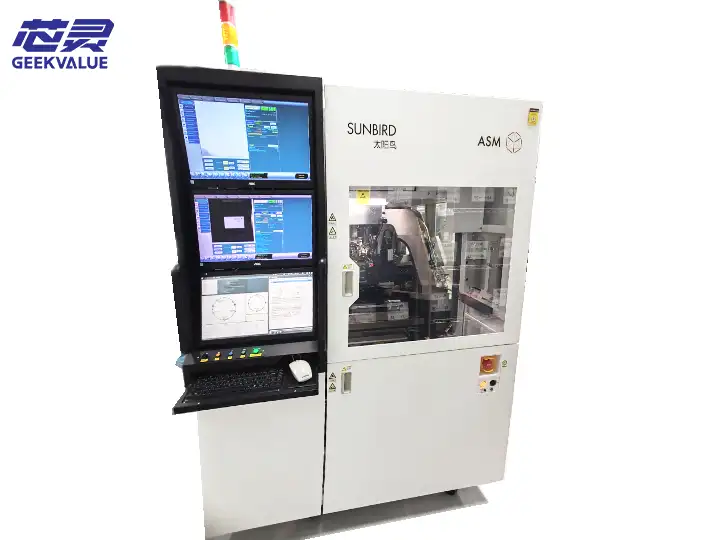
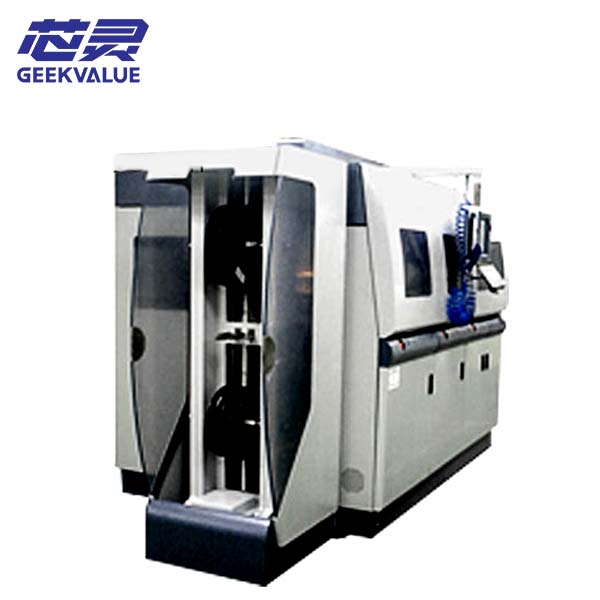
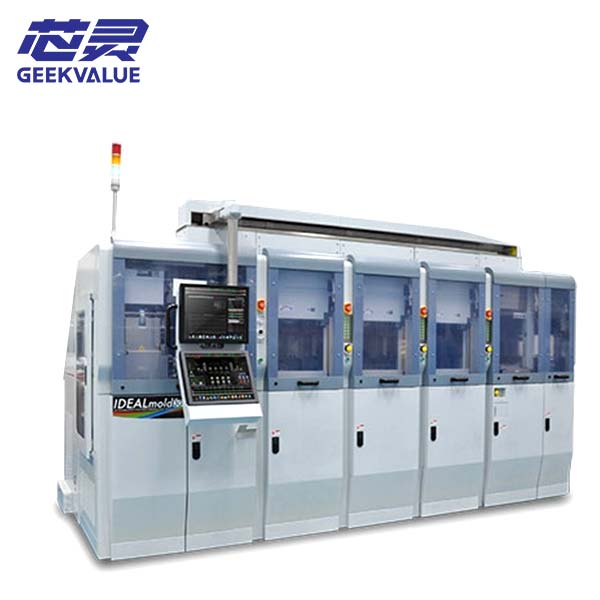
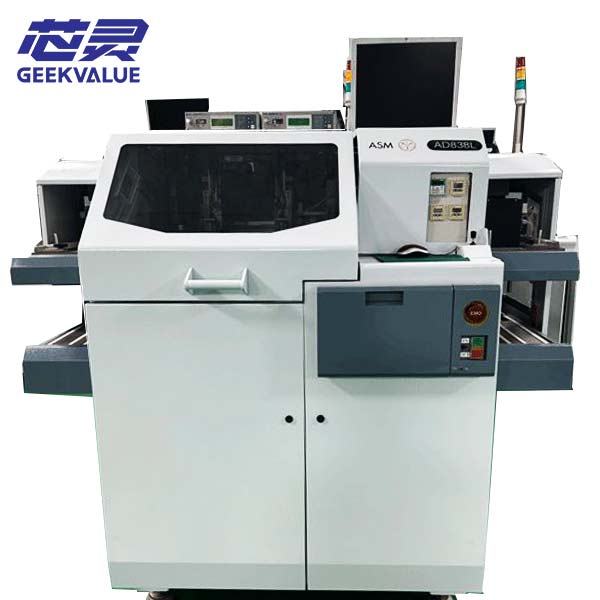
The ASMPT MPHENIX is a pre-owned trim and form system used in leadframe-based semiconductor package finishing. Depending on the tooling and modules installed, the machine can support trimming, lead forming and related product-handling processes.
If you are considering the MPHENIX as a replacement machine or for another package, send your current equipment model, a clear product or leadframe photo and a short description of the required process. We can review the basic information first and continue with detailed tooling checks only when necessary.
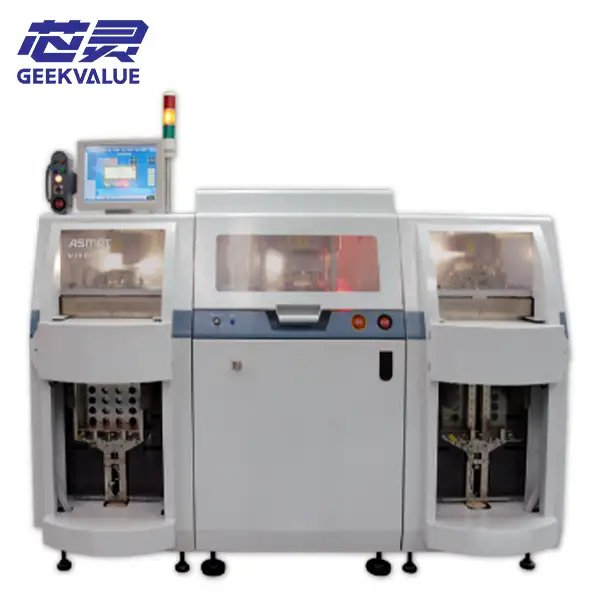
ASMPT MPHENIX Machine Information
| Manufacturer | ASMPT |
|---|---|
| Model | MPHENIX |
| Equipment Type | Semiconductor trim and form system |
| Application | Leadframe-based package trimming, lead forming and related product handling |
| Condition | Pre-owned semiconductor packaging equipment |
| Product Compatibility | Determined by the installed tooling, leadframe and package configuration |
| Actual Configuration | Confirmed according to the specific machine available |
| Delivery Scope | Based on the quotation and confirmed equipment list |
| Support | Initial fault review, tooling comparison, parts matching and repair discussion |
| Shipping | Export packing and worldwide delivery |
Product and Tooling Compatibility
The availability of an ASMPT MPHENIX does not automatically mean that it can process every semiconductor package. Trim and form equipment normally depends heavily on the installed tool, leadframe layout, package shape and required finished-lead condition.
For the first inquiry, you can provide:
- Your current machine model, if the MPHENIX will replace existing equipment
- A clear photo of the package, strip or leadframe
- A photo of the existing tool or finished product where available
- A short description of the trimming, forming or handling requirement
Detailed drawings, dimensions and tooling information can be discussed later when the available machine appears relevant to the project.
Available Machine and Delivery Scope
A pre-owned MPHENIX may have been configured for one particular package or production process. Its loader, transport components, press tooling, inspection functions and output arrangement may therefore differ from another machine of the same model.
The specific machine and included items will be confirmed before the order is completed. Only the equipment, tools, cables and accessories listed in the quotation or confirmed delivery list are included.
Trim and form tools, magazines, trays, tubes, computers and external production equipment should not be assumed to be included unless they are specifically stated.
Receiving and Initial Machine Inspection
Complete a basic receiving inspection before installing or powering on the MPHENIX.
- Inspect the packing, machine cabinet, control panel, guards, connectors and visible transport mechanisms.
- Photograph any impact marks, loose components, shifted assemblies or damaged cables before moving the machine.
- Compare the received machine, tooling and accessories with the confirmed delivery list.
- Check whether installed tools and transport components remain secured after shipment.
- Confirm the electrical supply, grounding, compressed air and other facility requirements of the actual machine.
Transport damage or missing items should be recorded before installation, modification or power-on.
Startup and Dry-Cycle Testing
The first startup should confirm the basic condition of the machine before production leadframes or packaged devices are introduced.
- Start the control system and record any alarm messages before resetting the machine or changing parameters.
- Confirm that the installed mechanisms complete initialization and return to their correct starting positions.
- Run a dry cycle without loading production products.
- Observe the loading, transport, tool movement, sensors and output actions throughout the cycle.
- Check for abnormal noise, air leakage, unstable movement, mechanical interference or repeated alarms.
- Stop the test if the tool or transport system does not operate normally.
Tool adjustment or inspection inside the press area should only be performed after the equipment has been made safe by qualified personnel.
Leadframe and Sample Processing Test
After the dry cycle is stable, use suitable non-production leadframes or samples that match the installed tooling.
- Confirm the leadframe or product orientation before starting the cycle.
- Observe loading, positioning and transfer into the tool.
- Check whether trimming and forming occur at the intended locations.
- Inspect the processed product for incomplete cuts, burrs, bent leads, cracks, scratches or package damage.
- Confirm that the product reaches the correct output position after processing.
- Repeat several cycles to identify intermittent tooling, feeding, sensor or transfer problems.
One successful cycle is not enough to confirm production readiness. The machine should repeat the complete loading, processing and output sequence without recurring alarms, jams or inconsistent product results.
Process Problems and Fault Review
Incomplete trimming, inconsistent lead forming, product jams or repeated alarms may be related to the product, installed tool, tooling setup, transport mechanism, sensors, pneumatic system or machine parameters.
Stop operation if the product is being damaged, the tool does not close correctly, mechanisms interfere or the same alarm repeatedly returns. Record the alarm message and affected process stage before resetting the machine.
Photos of the product, leadframe, installed tool and alarm screen are useful for an initial review. A short video of the failed cycle can also help identify intermittent feeding, tooling or output problems.
Tooling, Repair and Replacement Parts Support
The condition and suitability of the installed trim and form tool directly affect processing quality. Worn cutting components, incorrect setup or tooling designed for another product may cause burrs, lead deformation, incomplete cutting or unstable production.
If the MPHENIX develops alarms or processing problems, send the machine model, alarm information, product photo, tool photo and a brief description of the fault.
Our team can assist with an initial fault review, tooling comparison and replacement-part matching. Related sensors, motors, drivers, boards, cables, pneumatic components, wear parts and transport assemblies can also be checked where available.
Frequently Asked Questions
Can the ASMPT MPHENIX process our semiconductor package?
This depends on the leadframe, package design, required finished result and the tool installed on the available machine. Send a product or leadframe photo for an initial review.
Is a trim and form tool included with the machine?
Only tools specifically listed in the quotation or confirmed delivery scope are included. Any supplied tool may have been manufactured for a particular product.
What accessories are included with the MPHENIX?
The included tools, magazines, cables and accessories depend on the specific unit. Only items listed in the confirmed delivery scope are included.
Is the machine ready for immediate production?
Production readiness should be confirmed through installation, dry-cycle testing, tooling inspection and repeated processing of suitable samples.
Can you assist if the machine has an alarm or trim and form problem?
Yes. Send the machine model, alarm information, product and tool photos, and an operating video where available. We can assist with initial fault review, parts matching and repair discussion.
Contact Us About the ASMPT MPHENIX
Send your current machine model, a package or leadframe photo and a short description of the required process or equipment problem. We will review the basic information first and continue with the necessary machine, tooling, replacement-parts or repair details afterward.